RSP Editing templates on this site are planning recipes for photo and short video edits. They describe the crop, subject, background, timing, color pass, and final social format so you can rebuild the look with your own materials. This page does not host template files, copied creator assets, preset packs, APKs, or mod links.
An RSP editing template here is a recipe-style direction for building a photo or short video edit. It tells you how to structure the image count, crop, subject reveal, background, transition, caption space, color pass, and final DP or reel format. It does not provide template files, project files, preset packs, screenshots, creator assets, APKs, or mod links. Use the template as a checklist, then rebuild the edit with your own photos, licensed audio, self-made overlays, and an editor you trust.
Before you start
Useful notes for safer RSP-style edits
• A template on this site means a repeatable editing plan, not a hosted file.
• Photo templates focus on crop, pose, background, lighting, and color mood.
• Video templates focus on timing, beat cuts, reveal moments, captions, and export shape.
• CapCut-style recipes should be rebuilt manually with your own clips and licensed audio.
• Skip unknown files, copied packs, and links that ask for side-loading or account access.
A photo template recipe helps you repeat a visual structure without copying another creator’s file. Start by deciding the final crop: square DP, 4:5 feed post, or 9:16 story cover. Then define the subject position, background, light direction, color mood, and empty space for captions. A strong RSP-style photo template usually keeps the face readable, the background simple, and the color grade consistent. For a boy DP template, the recipe might be centered portrait, clean street background, warm rim light, subtle vignette, no logo on clothing or bike, and a square crop. For a girl portrait, use a softer background, pastel outfit, gentle highlights, and lower contrast. For a couple photo, both people need clear consent and balanced lighting.
RSP Editing Template Video
A video template recipe is a timing plan. It can describe the opening frame, how many photos or clips to use, where the beat cut lands, when the subject reveal happens, how long the final frame holds, and what export format fits the platform. A common RSP-style short video flow is: start with a plain portrait, add a quick zoom or blur transition, reveal the edited version on the beat, hold the final frame, then end with a clean DP crop or reel cover. Keep text away from faces, use your own music or licensed audio, and avoid copying another creator’s overlay, watermark, or project layout.
CapCut-Style Template Recipe
If you came here for an RSP editing template CapCut workflow, start with the basics on this page, then use the dedicated CapCut recipe page for the step-by-step beat-cut version. A CapCut-style recipe can include import order, canvas size, clip length, transition type, subject reveal, color pass, and export shape. It should still be rebuilt manually with your own media rather than imported from an unknown project file.
A safer route is to open an editor you trust, create a new project, import your own portrait, set a 9:16 canvas for reels or a square canvas for DP, add a light zoom, mark the beat cut, apply a manual color pass, and export. For a more detailed workflow, open the CapCut Template Recipes page from the link near the top of this guide.
How to Rebuild a Template Safely
Start from the recipe, not from a file. Gather your own photo, optional background, licensed music, self-made overlay, and any text you plan to add. Build the layout step by step: crop first, place the subject, add motion or transition, tune color, review faces and hands, then export. If something looks like a copied creator watermark, template screenshot, or branded asset, remove it. This approach is slower than importing a ready-made file, but it gives you control over rights, quality, and device safety.
When Not to Use a Template Download
Do not use a template link if it asks you to install an APK, mod, cracked app, unknown zip, browser extension, or project file from a random mirror. Also skip pages that promise hidden packs, copied creator bundles, account unlocks, or one-click results with unclear sources. Those searches may be common, but this site should answer them by giving a safer route instead of pointing users toward files.
Template Ideas by Intent
Use photo templates when the final output is a DP, profile image, feed post, or before/after comparison. Use video templates when you need beat cuts, subject reveal, short transitions, or a reel cover. Use color recipes when the structure is done but the photo still feels flat. Use prompt pages when you still need a subject, outfit, scene, or camera mood before editing. Use this page as your map: choose CapCut recipes when you need timing and reveal steps, 2026 preset recipes when the edit needs a stronger color grade, and prompt pages when you still need the subject, outfit, scene, or camera mood.
Quick copy
Popular template-style prompt ideas
Synthetic before-after preview for reel cover prompt ideas: plain portrait frame → cinematic freeze-frame direction, caption-safe space, and high-contrast color.Synthetic illustrative preview only. AIEditorRSPEditing provides text prompts, settings, and manual workflow guidance; no upload, no generation on this site, no download, no official template or preset file, and no same-face guarantee.
video coverlow
VN Reel Cover Portrait
Best for: Short video cover image
Create an RSP-style reel cover portrait with dramatic freeze-frame composition, bold cinematic lighting, clean space for caption outside the face area, high contrast color grade, realistic subject, social media-ready thumbnail.
Leave empty space for manual caption in editing app.
Original prompt text.
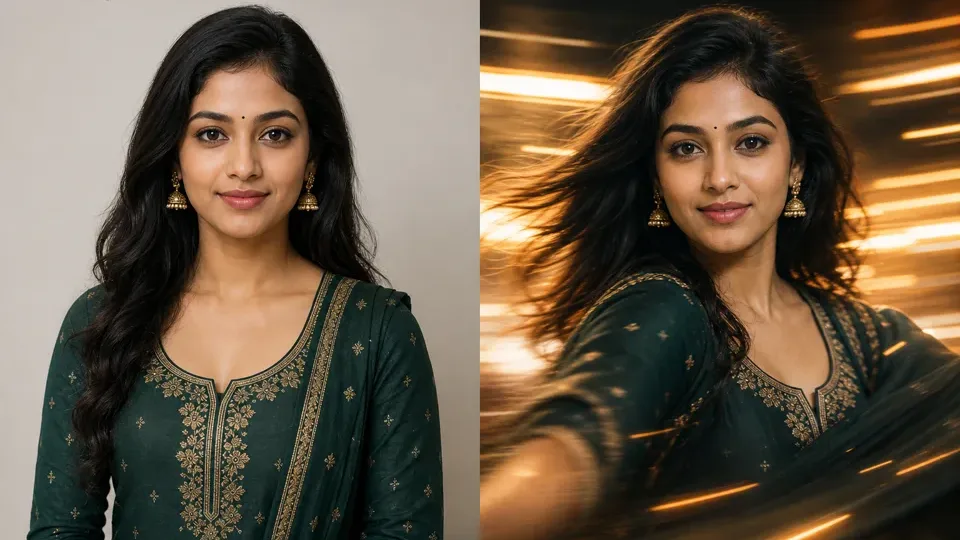
Synthetic before-after preview for CapCut-style RSP template ideas: static frame direction → beat-synced transition, warm grade, and final portrait hold.Synthetic illustrative preview only. AIEditorRSPEditing provides text prompts, settings, and manual workflow guidance; no upload, no generation on this site, no download, no official template or preset file, and no same-face guarantee.
template recipelow
Beat-Synced Portrait Transition
Best for: Short video intro, reel cover sequence
Create a social-ready portrait sequence idea with a clean before shot, a quick glow transition, and a cinematic final frame, leaving space for a short caption outside the face area, no logos, no watermark.
Use this as a visual plan before rebuilding the edit manually in your preferred editor.
Original prompt text only; no template file is included.
Synthetic before-after preview for festival reveal template ideas: simple portrait frame → colorful reveal direction, beat moment, and safe story layout.Synthetic illustrative preview only. AIEditorRSPEditing provides text prompts, settings, and manual workflow guidance; no upload, no generation on this site, no download, no official template or preset file, and no same-face guarantee.
template recipemedium
Festival Reveal Story Recipe
Best for: Festival story, colorful reveal edit
Plan a bright festival reveal edit: start with a simple portrait, add a licensed color overlay, reveal the final festive frame on the beat, keep faces clear, use warm daylight, and avoid copied stickers or third-party logos.
festival colorsoverlay sourcebeat momentportrait cropfinal mood
Best used as a safe recipe idea for rebuilding your own short-form edit.
Use original or licensed overlays and consented photos.
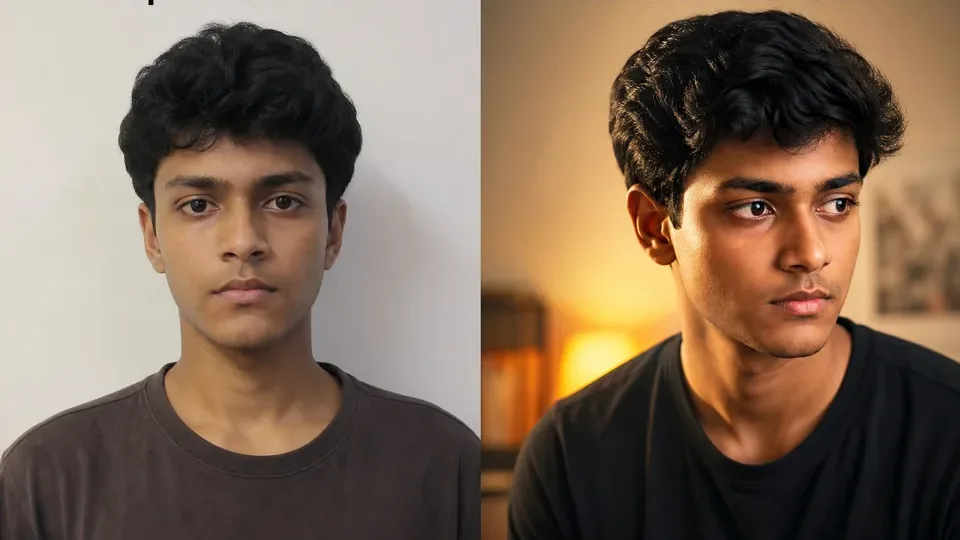
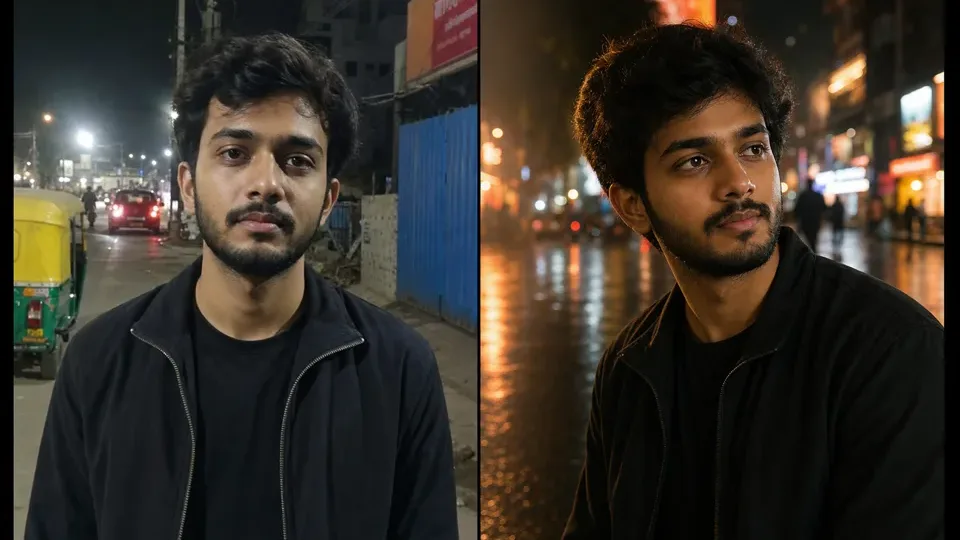
Synthetic before-after preview for AI boy RSP editing prompt ideas: plain portrait direction → cinematic street DP lighting, sharper crop, and social profile mood.Synthetic illustrative preview only. AIEditorRSPEditing provides text prompts, settings, and manual workflow guidance; no upload, no generation on this site, no download, no official template or preset file, and no same-face guarantee.
boylow
Cinematic Street Portrait Boy
Best for: Instagram DP, attitude portrait, street look
Create a cinematic RSP-style portrait of a young man standing on a neon-lit city street at night, wearing a black jacket, confident pose, soft rain reflections on the road, shallow depth of field, dramatic rim light, realistic skin texture, high-detail social media photo edit.
Works as a base prompt for ChatGPT image, Gemini image, Midjourney, or other AI image tools. Replace subject details before use.
Original prompt text only; do not use copyrighted celebrity likenesses or brand logos.
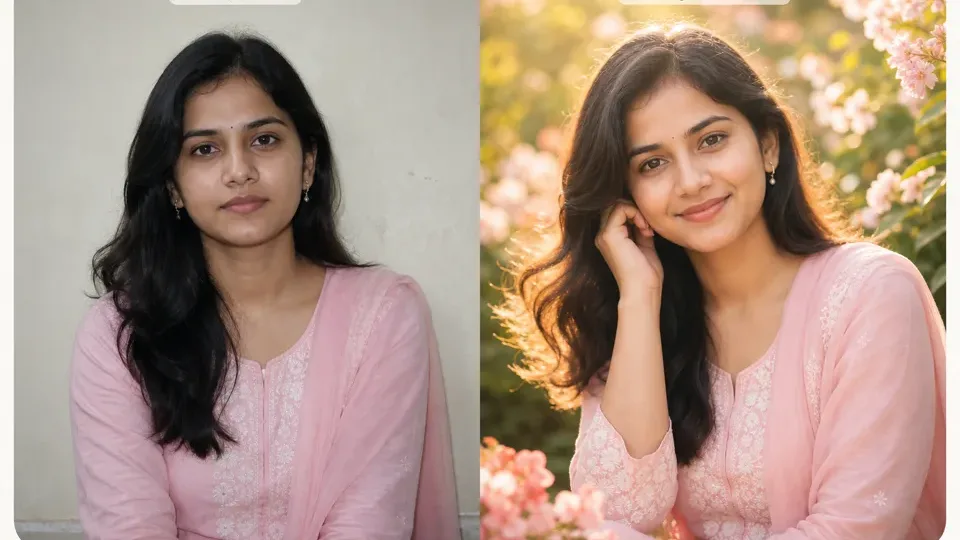
Synthetic before-after preview for AI girl RSP editing prompt ideas: simple portrait direction → soft floral light, pastel styling, and profile-ready framing.Synthetic illustrative preview only. AIEditorRSPEditing provides text prompts, settings, and manual workflow guidance; no upload, no generation on this site, no download, no official template or preset file, and no same-face guarantee.
girllow
Aesthetic Floral Girl Portrait
Best for: Aesthetic profile photo, soft portrait
Generate an RSP-style aesthetic portrait of a young woman in a pastel outfit, standing near soft flowers and warm sunlight, dreamy background blur, natural smile, cinematic color grading, detailed hair, realistic face, elegant social media photo edit.
outfit colorflower typetime of daymoodcamera lens
Add your own outfit and background details for a more personal result.
Original prompt text; use personal or licensed reference photos only if uploading elsewhere.
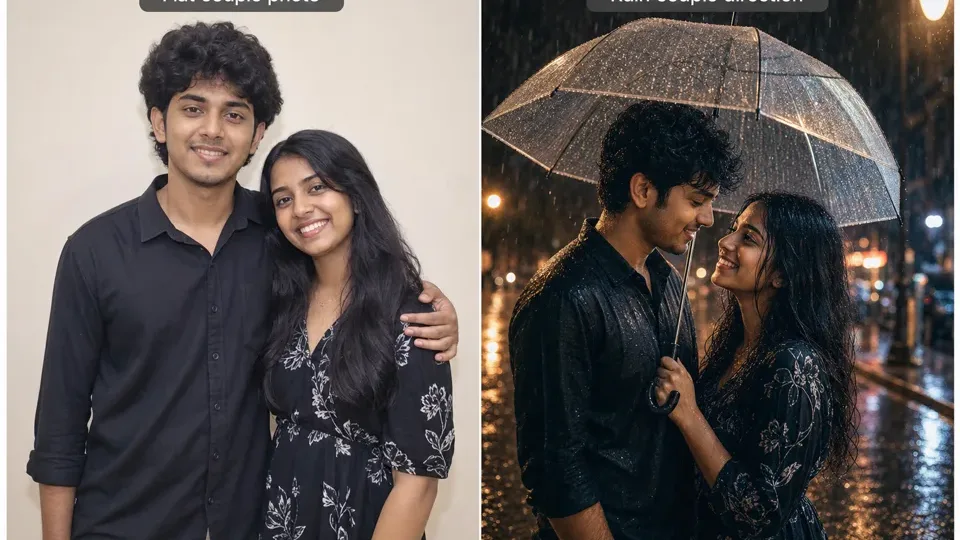
Synthetic before-after preview for couple photo prompt ideas: plain couple concept → romantic rain lighting, umbrella mood, and warm street bokeh.Synthetic illustrative preview only. AIEditorRSPEditing provides text prompts, settings, and manual workflow guidance; no upload, no generation on this site, no download, no official template or preset file, and no same-face guarantee.
couplemedium
Romantic Rain Couple Edit
Best for: Couple photo, romantic reel cover
Create a romantic RSP-style couple portrait in gentle rain, two people standing close under a transparent umbrella, warm street lights, cinematic reflections, soft bokeh, realistic emotions, high-detail photo edit, social media ready composition.
couple outfitumbrella stylecity/street backgroundrain intensitycolor tone
Use for couple edits; avoid using real people without consent.
Only use consented couple photos or fictional subjects.
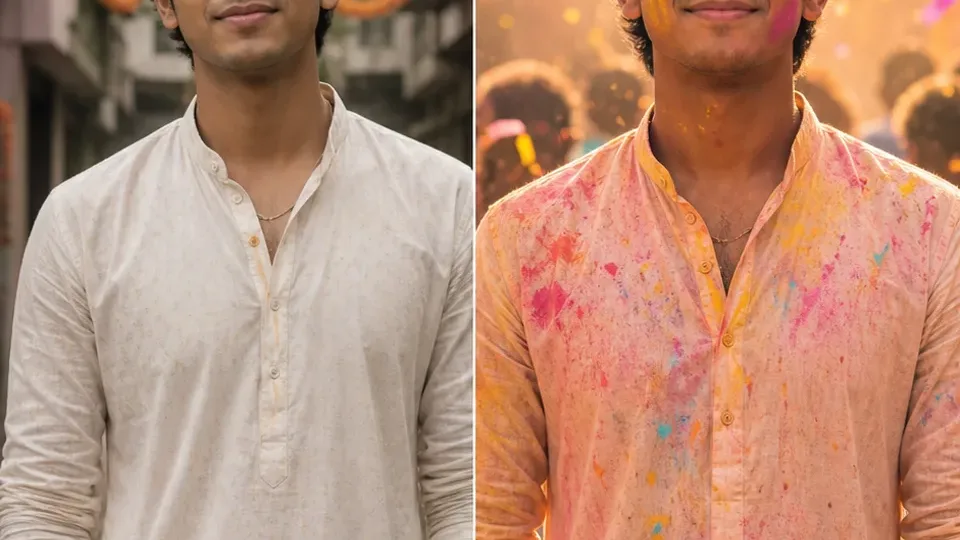
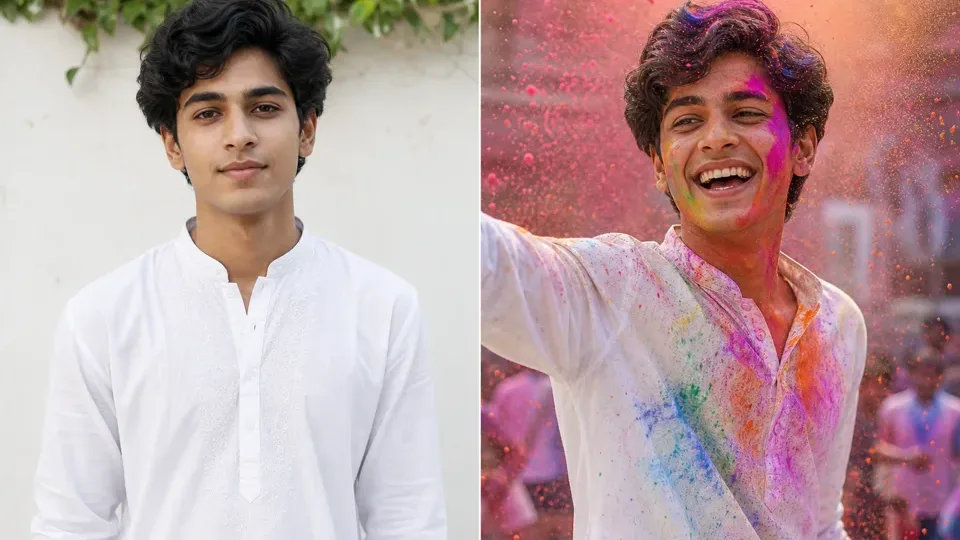
Synthetic before-after preview for Holi RSP editing prompt ideas: plain portrait direction → bright festival color, powder burst, and respectful festive styling.Synthetic illustrative preview only. AIEditorRSPEditing provides text prompts, settings, and manual workflow guidance; no upload, no generation on this site, no download, no official template or preset file, and no same-face guarantee.
festival holimedium
Holi Color Burst Portrait
Best for: Holi festival post, colorful DP
Create an RSP-style Holi festival portrait with vibrant colored powder in the air, joyful expression, white traditional outfit with colorful stains, bright daylight, dynamic motion, realistic face, cinematic festive color grading, high-detail social media photo.
outfitpowder colorsbackground crowd or solomoodcamera angle
Keep cultural respect in wording; avoid stereotypes or offensive elements.
Prompt only; no festival stock image is included.
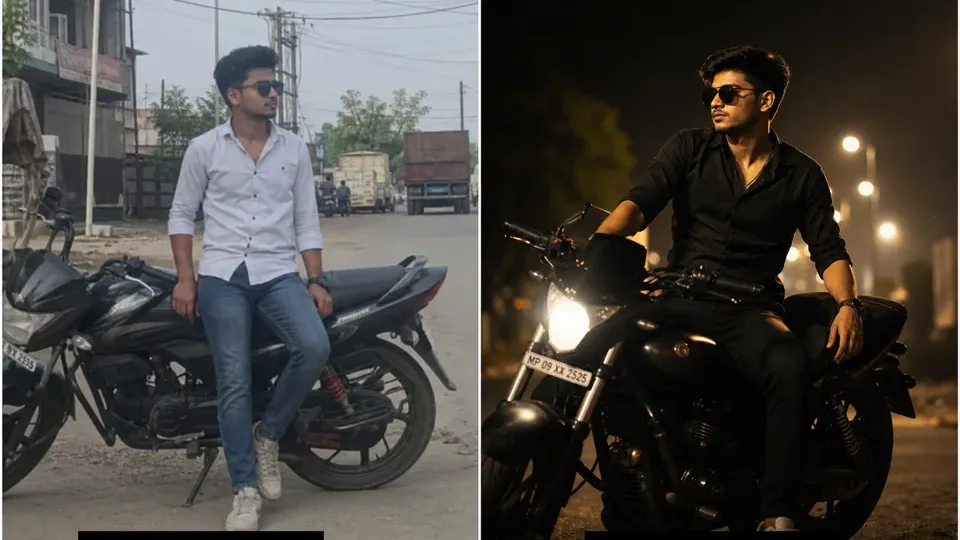
Synthetic before-after preview for attitude DP prompt ideas: plain boy portrait direction → generic bike scene, sunset contrast, and profile-ready crop.Synthetic illustrative preview only. AIEditorRSPEditing provides text prompts, settings, and manual workflow guidance; no upload, no generation on this site, no download, no official template or preset file, and no same-face guarantee.
boy dpmedium
Attitude Bike DP Edit
Best for: WhatsApp DP, bike-style attitude edit
Design an RSP-style attitude DP photo of a young man sitting beside a sport bike on an empty road at sunset, black outfit, cinematic orange sky, dramatic shadows, realistic face, sharp details, professional social media edit.
bike type genericroad settingoutfitsunset tonepose
Use generic bike descriptions; do not request protected brand logos.
Avoid trademarked logos and celebrity likenesses.
Make it your own
Change the subject, outfit, background, lighting, camera angle, and mood.
Use the prompt as a starting point. Swap in your own scene details, avoid copied creator material, and check the output before posting.
On this site, it means an editing recipe: a repeatable plan for crop, subject placement, timing, transition, color mood, and final social format. It is not a file package.
Can I download templates here?
No. This site does not host template files, project files, preset packs, APKs, mod links, unknown zip files, screenshots, or creator assets. It gives recipe directions you can rebuild yourself.
What is the difference between a photo template and a video template?
A photo template focuses on crop, pose, background, lighting, and color. A video template adds timing, beat cuts, reveal moments, caption space, and export format.
How should I use a CapCut-style template recipe?
Use it as a manual workflow: create a new project, import your own media, set the crop, place the transition, tune color, and export. Do not rely on files from unknown sources.
What materials should I prepare before rebuilding a template?
Prepare your own photos or clips, licensed music, self-made overlays, generic backgrounds, and any caption text you plan to add manually.
Why avoid copied creator packs?
Copied packs can contain assets you do not have permission to use and may create attribution, platform, or device-safety problems. Rebuilding the idea manually is cleaner and more flexible.